
COUNTER HARDWARE
POS Cash Drawers
Add a standalone cash drawer to a counter setup and agree how it should open during the supported sales workflow.
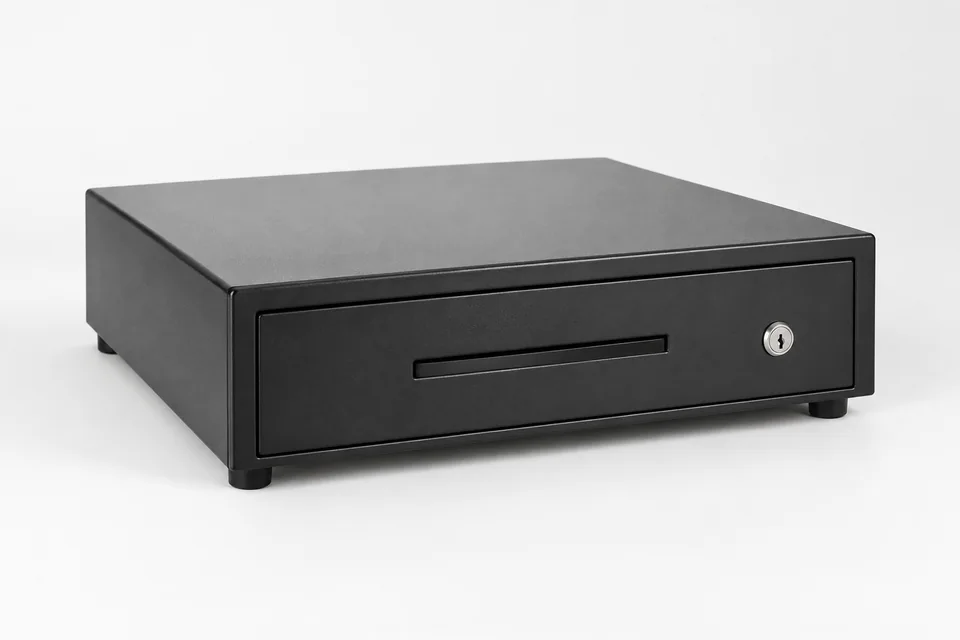
No single drawer model is specified here. The illustration shows a generic drawer; the actual drawer, cable and printer-port compatibility are confirmed before supply.
How the configured journey works
Choose the drawer
Select a standalone unit with the size, insert, lock and placement suited to the counter.
Connect the route
A drawer can connect to a supported printer’s drawer port. Confirm the cable, voltage and supported device combination.
Test opening
Use a fictional POS sale to confirm when the drawer opens and how staff handle manual or exception cases.
Keep the opening rule explicit
Cash tender entry in software is separate from a physical drawer pulse. A configured printer-port route can open a compatible drawer during the configured purchase workflow.
There is no fixed model or variant in this page. The proposal should name the actual drawer and printer pairing, what is included and how it is supported.
What to confirm for your business
- Confirm the exact drawer, cable and printer-port specification before supply.
- Test purchase, refund, manual/no-sale opening and disconnected recovery if those actions are needed.
- Do not infer security certification or automatic opening for every payment type.
Common questions
Is a cash drawer included with every EPOS system?
No inclusion is assumed here. Confirm the proposed hardware and quotation.
How does it connect?
The connection is through a compatible printer’s drawer port; the exact model and cable must be checked.
Will it open for every purchase?
The opening trigger depends on the configured POS, printer and drawer route. Test the payment types the venue uses before making that promise.
Review the setup that fits your business
Tell us the journey, equipment and staff actions you need. We will demonstrate the relevant configuration and confirm any model-specific or service terms.