
SCANNING EQUIPMENT
Barcode & QR Scanners for POS
Choose scanning equipment around the task: selecting products at the till, adding stocked quantities or finding a booking at arrival. Confirm the code type, connection and software setup before selecting a device.
The supplied photographs illustrate hardware appearance. Exact model specifications and compatibility must be confirmed for your proposed setup.
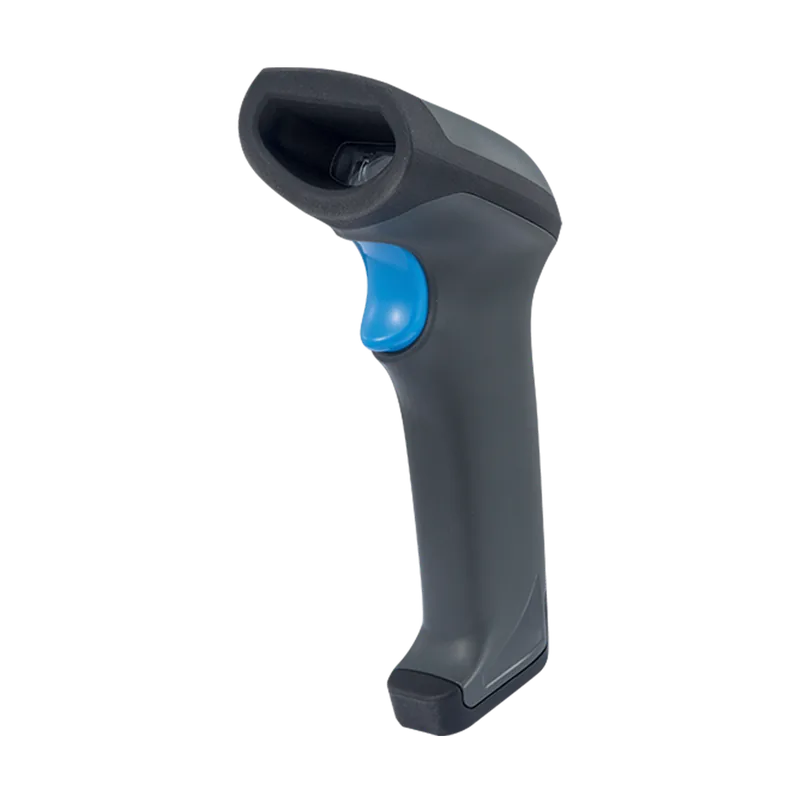
Product sales, stock input and booking checks are different tasks
Product selection at the till
Supported USB barcode input can assist product selection in the POS workflow with compatible configuration. Confirm how your product codes are recorded and how the proposed device enters them.
Adding stock quantities
A separate inventory workflow supports scanning an existing stocked product to add quantity. This is not the same action as adding the product to a customer’s sale.
Booking QR check-in
Staff booking lookup and QR check-in are supported through the configured arrival workflow. Confirm suitable scanning equipment and booking eligibility rules. This does not establish general ticket redemption or gate control.
Check the device against the codes you need to read
Product barcodes and booking QR codes can require different reading capabilities. Confirm the exact code formats supported by the proposed scanner rather than assuming one device handles every task.
If customers will present a code on a phone, test that use with the selected device. Reading printed codes does not by itself establish reliable phone-screen scanning.
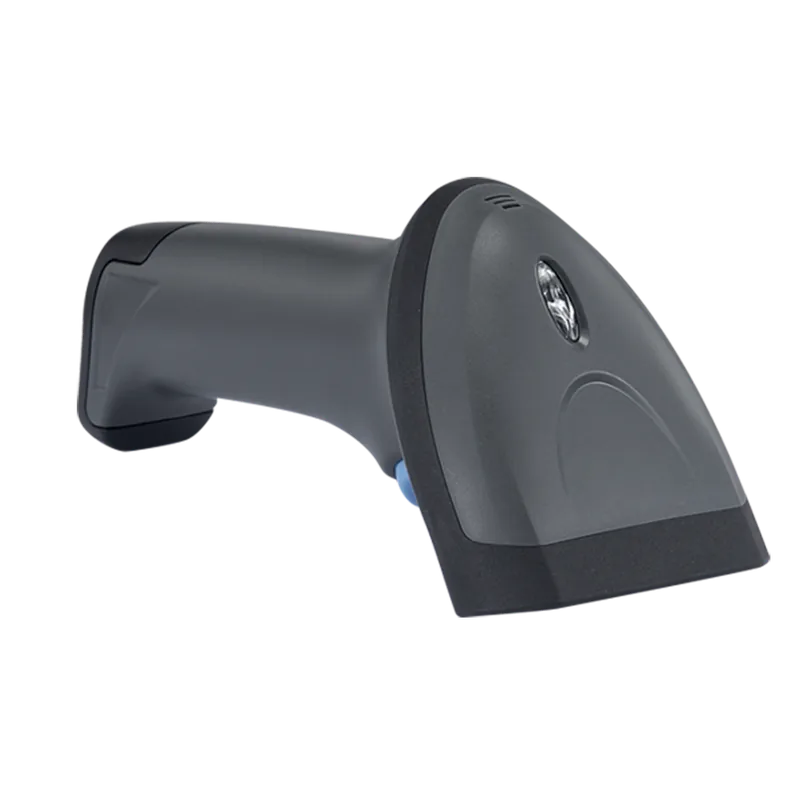
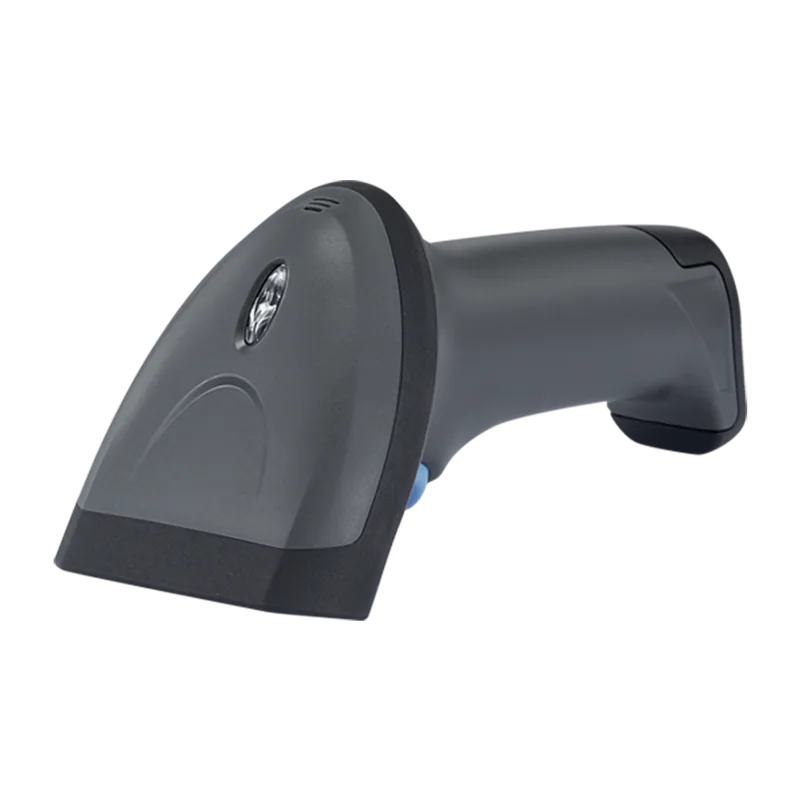
Test the scanner in its working position
Connection
Confirm the device’s actual connection type and its compatibility with the workstation. Do not assume the photographed model supports USB, Bluetooth or wireless use.
Code recognition
Test representative product or booking codes through the intended software workflow.
Counter or reception placement
Check staff reach, cable routing where applicable and how codes will be presented. Confirm any stand, charging equipment or accessories included in the quotation.
Fallback process
For booking arrivals, confirm how staff use booking search when scanning cannot be completed. Demonstrate the appropriate lookup process for other tasks rather than assuming the same fallback applies everywhere.
Scanner questions
Can one scanner read product barcodes and booking QR codes?
That depends on the exact device and supported code formats. Confirm both tasks with the proposed equipment before relying on a single scanner.
Is the pictured scanner USB, wireless or Bluetooth?
Those specifications have not been established by the photographs. Obtain the exact model and connection details for the proposed device.
Can it scan a booking code from a customer’s phone?
Phone-screen scanning must be confirmed and tested with the selected device. The photograph alone does not prove that capability.
Does scanning a booking QR code automatically admit someone?
Booking check-in follows the configured timing, status, payment and waiver rules. QR scanning does not by itself establish unrestricted admission, ticket redemption or access-gate control.
Show us what you need to scan
Tell us which codes you use, where staff scan them and which software task should follow. We’ll discuss the equipment requirements and confirm the proposed setup.