
PREPARATION PRINTING
Kitchen Order Printing
Send preparation details to the kitchen when an eligible order reaches its configured release point, using a connected supported thermal printer.
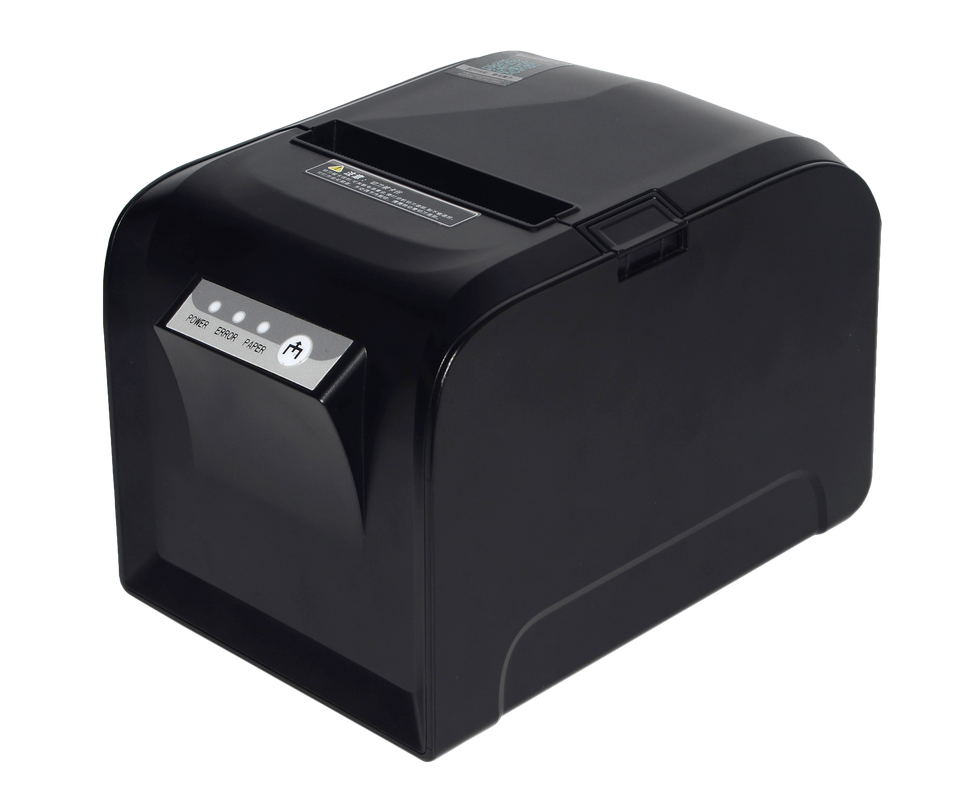
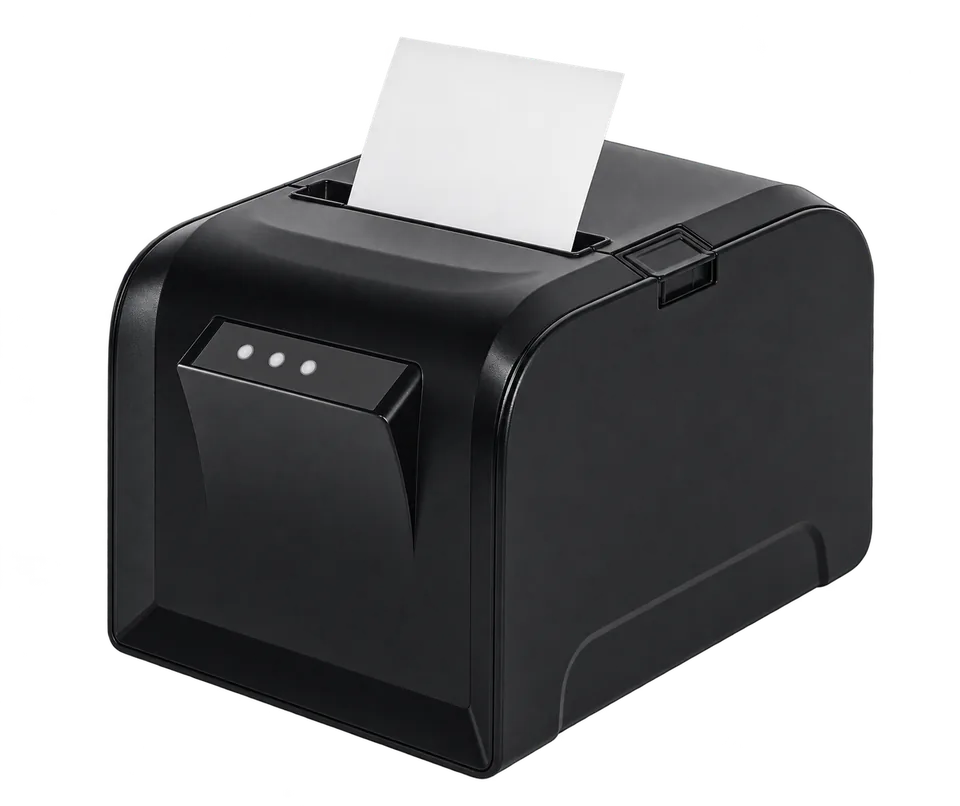
The printer illustrations are generic. The described workflows depend on configuration; model, connection and paper suitability must be checked for the proposed venue.
How the configured journey works
Counter purchase
When a configured food product is purchased at the counter, the kitchen copy can print for preparation.
Add to an open order
The configured workflow can print only newly added items when the same order is reopened, including the associated order and table details.
Booking or table order
Eligible products on a booking can print at check-in; a paid table order can print on successful payment when those routes are enabled.
Give the kitchen the details it needs
Configured kitchen tickets can contain products, the table or order association and customer notes. Check the exact printed format using a fictional test order.
A customer receipt and a preparation ticket have different purposes. The same style of thermal hardware may be positioned at a counter or in a kitchen, but compatibility and safe placement depend on the selected device and connector.
What to confirm for your business
- Confirm the selected printer, connection, paper and kitchen environment before installation.
- Test counter purchase, added items, booking check-in and paid table-order triggers separately.
- Do not infer split-station routing or amendment/cancellation printing without a specific test.
Common questions
Can the kitchen printer be next to the counter?
It can be positioned where the selected supported setup permits; check connection, power, paper access and working environment.
What happens when new items are added?
A configured workflow can print only the new items for an open order. Demonstrate that behaviour with the proposed connector and printer.
Will it print products at check-in?
Eligible booking products can trigger printing when a guest checks in through the configured POS or kiosk route. Test the exact booking and product conditions.
Review the setup that fits your business
Tell us the journey, equipment and staff actions you need. We will demonstrate the relevant configuration and confirm any model-specific or service terms.