
CUSTOMER RECEIPT EQUIPMENT
POS Receipt Printers
Choose receipt equipment alongside your till and software connection. Confirm the supported printer, connector and paper requirements, then test the receipt workflow your staff will use.
EPOS Bookings does not make a proprietary printer; equipment is sourced with third-party partners. The photograph illustrates hardware appearance. Confirm the specific model, connector, paper and compatibility for the proposed setup.
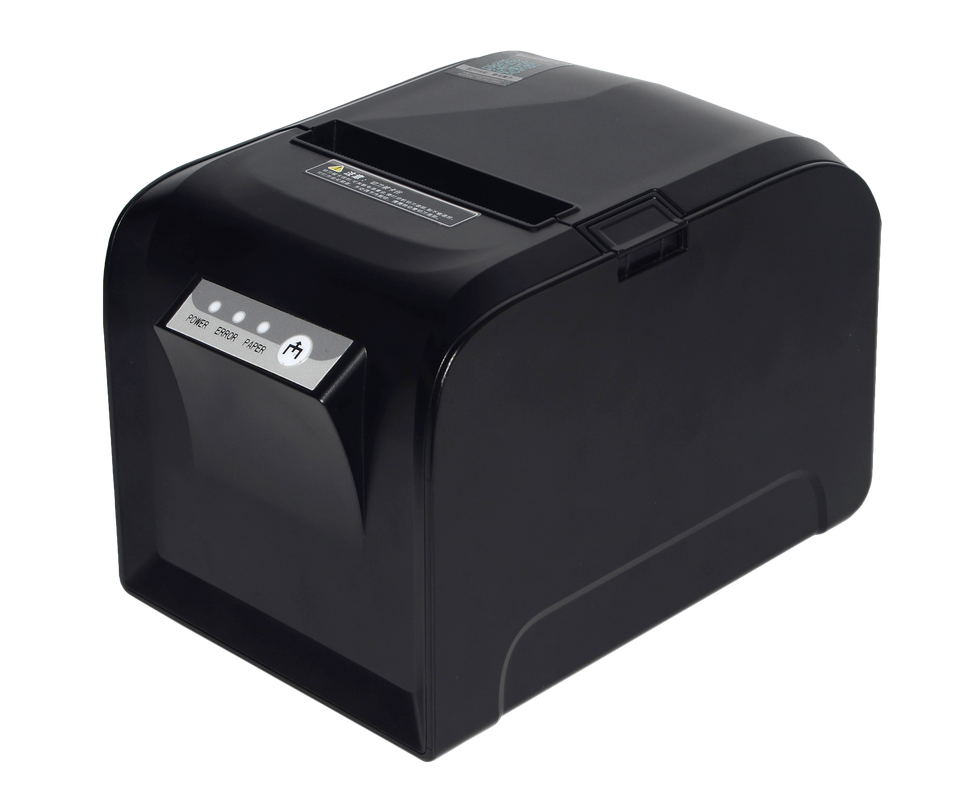
Receipt generation and physical printing are separate steps
Generate the receipt
The supported order workflow can generate or display a receipt after eligible payment, subject to configuration. This does not by itself establish physical printer output.
Connect supported equipment
Physical printing requires a supported printer and the relevant connector setup. The local Windows connector must be enrolled and online for the supported printing functions.
Discover and test
Printer discovery, default-printer selection, test printing and print jobs depend on the supported configuration. Demonstrate these with the actual proposed equipment.
Review the equipment before planning its position
Use the approved closed-printer view to discuss counter placement and access. Confirm the actual dimensions, paper requirements and loading procedure for the model being offered.
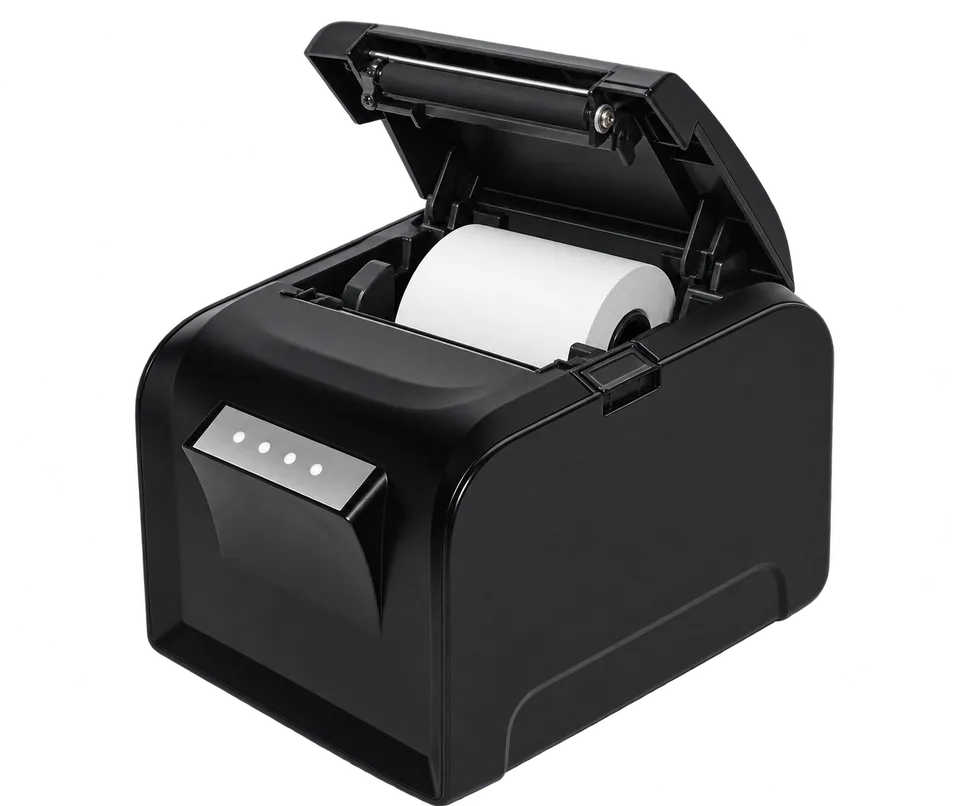
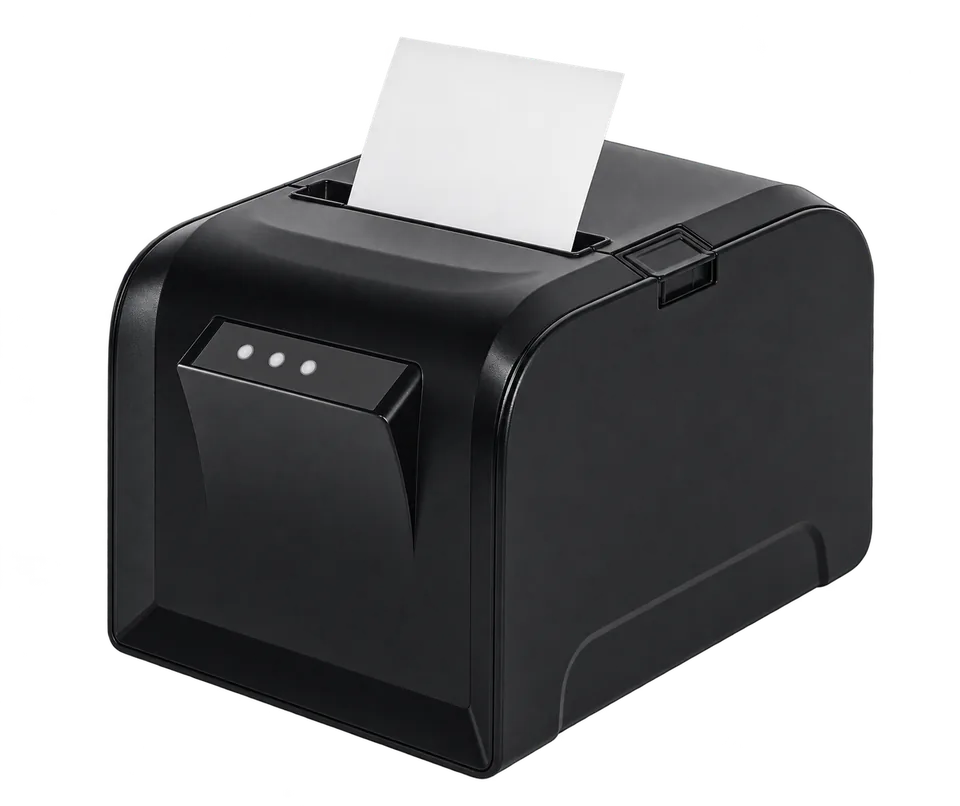
Check the complete counter-printing setup
Printer and paper
Confirm the exact model, printing technology and supported paper specification before purchasing consumables.
Connection and power
Check the required connection, power supply and connector environment. Do not assume the pictured device supports a particular wired or wireless method.
Working position
Allow space for the printer, cables, paper access and staff handling. Confirm any accessories included in the quotation.
Receipt and exception handling
Test a representative eligible transaction and its print output. Confirm the available reprint, refund-receipt and recovery procedures rather than assuming them.
Keep customer receipts separate from preparation tickets
A customer receipt and a kitchen preparation ticket have different purposes. A printer suitable for one workflow is not automatically confirmed for the other.
If you need kitchen printing, check its equipment, order routing and operating environment separately.
Receipt printer questions
Will the pictured printer work with my EPOS setup?
Compatibility must be confirmed for the exact model and connector setup. The photograph alone does not demonstrate a completed EPOS print job.
Is it a thermal printer, and what paper does it use?
The exact model’s printing technology and paper specification need confirmation. Do not choose paper or assume thermal printing from appearance alone.
Can I connect it using USB, Bluetooth or Wi-Fi?
Connection options depend on the actual model and supported configuration. Confirm the proposed connection rather than assuming every method is available.
Can receipts print automatically or be reprinted?
Those behaviours need demonstration in the offered setup. Receipt generation and printer-test functions do not establish every automatic-print, reprint or error-recovery workflow.
Test the receipt workflow your counter needs
Tell us which till you use and what staff need to print. We’ll review the equipment and connector requirements and confirm the proposed receipt workflow.